
How to Play Long Arm Toy Escape on Mobile
Drag aims the arms. A separate tap opens Training. Mixing those two is how phones feed sharks.
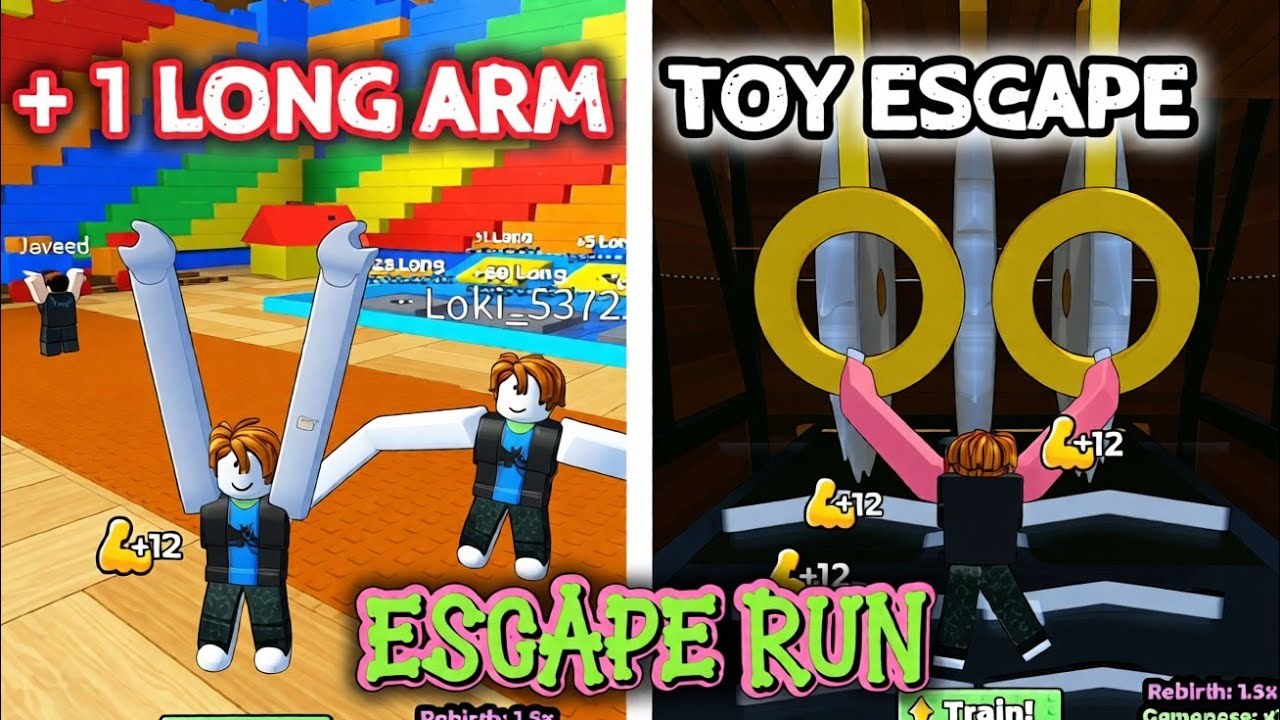
+1 Long Arm Toy Escape is built for a mouse hold, then ported to a thumb. The official description only prints the desktop line — hold M1 and move the mouse — so mobile players invent a swipe that opens FREE! and yeets the avatar into the lobby pool. This page is the phone and tablet route. Pair it with controls for grab rules and Getting Started for the HUD map.
The two-thumb split
Put one thumb on the world to drag and aim both arms. Put the other thumb on jump. That is the whole analog to holding M1. A tap is not a hold. If you flick and release, the hands never lock on a bar.
Open menus with a deliberate tap on the left rail: Training, FREE!, Rebirth, Teleport, Hands. Do not swipe from Training into the factory floor. That swipe is an aim input. It will stretch you toward whatever is under the finger, including water.
UI that sits in the drag zone
The left rail shares the same screen as arm-aim. On a small phone the Train! button and the jump pad also compete. Before a shark gap:
- Close every shop.
- Confirm Standard, Gold, or Diamond Bar is still equipped — see the bar list.
- Put the device in landscape if the rail overlaps the far pillar.
- Then aim.
If you must redeem a code, do it in the lobby on wood floors, not on a red pillar.
Graphics and stutter
A stuttering grab over water is a death. Open the Roblox menu and drop graphics one or two notches if the arms hitch when you drag. Frame drops feel like lag; they are usually overdraw from 22 rubber avatars. Hop servers from the community hub if the room is a forest of 999m arms.
Camera
Pinch-zoom until both palms and the far bar share one frame. Looking down at your shoes hides length. The shark guide assumes you can see the far bar before you leave the floor. That is harder on a 6-inch screen than on a monitor, which is why extra Long is more valuable on mobile than a sensitivity tweak.
Notifications and FREE!
Phone notifications steal a hold. Silence them for factory runs. The FREE! gift is the codes box; the +10K row is Robux. Do not fat-finger a dump while aiming. If you did, read training and rebirth before you prestige the purchase away.
Tablets and foldables
A tablet in landscape is the best mobile setup: rail on the left, factory on the right, two thumbs that never cross. Foldables that jump from cover-screen to inner-screen mid-grab will drop the hold. Finish the gap, then unfold.
What mobile does not change
Rebirth still spends Long. Friend Boost still wants a party in the 22-player cap — Friend Boost. Gold Bar is still 59 Robux. Sharks still eat one-hand grabs. The video below is this title, not a 700-stage obby clone. Watch the HUD, not the thumbnail shark.
Play the real place: +1 Long Arm Toy Escape. If the description does not mention growing arms to escape the toy factory, you launched a clone on a phone and the drag will not match this page.
Frequently Asked Questions
Quick answers to the most common questions.
Do I hold the screen like a mouse?
Drag to aim and keep contact. A tap is not a hold.
Why do I open Training while aiming?
The rail sits in the drag zone. Tap menus; drag only on the world.
Should I buy Gold Bar just for mobile?
Only if you already like the game. Extra length helps phones more than extra Robux aims for you. See the price guide.
Is landscape required?
No, but it keeps the far bar and the rail from stacking. Use it on shark gaps.