
Long Arm Toy Escape Controls
Hold, aim, grab — the factory punishes anyone who treats this like a normal obby.
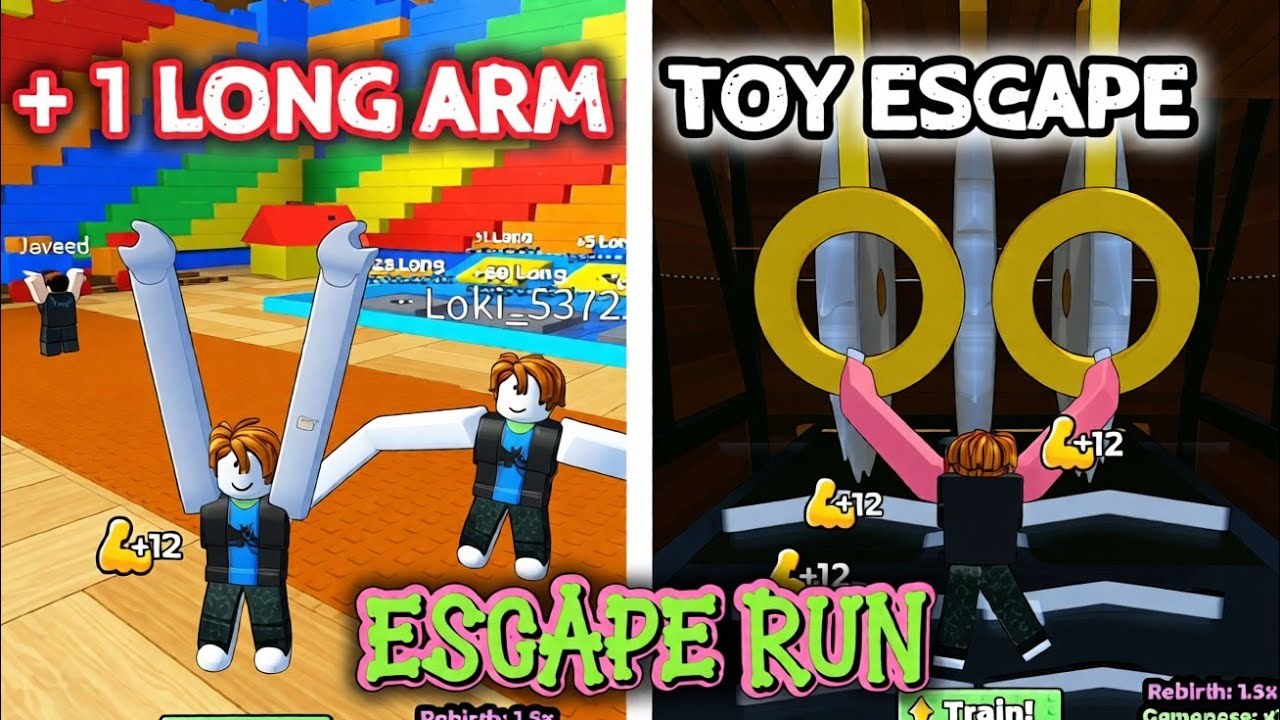
The experience description is the only official control sheet Long Armers published: Desktop: HOLD M1, and Move Mouse to angle your arms. That one line is the difference between a clean ring grab and a shark. This page unpacks it for PC, mobile, and console, then covers the grab mistakes that look like “lag” but are aim.
If you have not seen the HUD yet, skim Getting Started first. Controls will not save a 100-length character who walks into open water.
Desktop (the intended setup)
- Hold left mouse button (M1) to take control of both arms.
- Move the mouse while holding to change the angle. Think of two rubber hoses you are pointing, not a sword swing.
- Release when both hands sit on the target bar, ring, or block edge. A half-hold often leaves one hand in air and the torso drops.
- WASD still moves the body. Strafe so your chest faces the gap; arms reach farther when you are square to the bar.
- Jump is normal. Jumping while arms are mid-aim can help a high ring, or it can dunk you. Practice in the lobby.
- Shift lock is optional. Some players prefer it for camera; others find it fights the mouse-aim. Try both for one minute in a safe room.
The arms ignore a surprising amount of “I clicked the bar.” The click has to be a hold. Tapping M1 like a shooter will never lock a grab.
Mobile
Mobile uses a drag instead of M1. Put a thumb on the screen, drag to swing both arms, and keep the other thumb on jump. The left-rail UI (Training, FREE!, Rebirth) sits in the same drag zone, so open menus with a deliberate tap, not a swipe. If you swipe from Training into the world, you will stretch into a wall.
Performance matters more on phones. If the arms stutter, lower graphics in the Roblox menu. A stuttering grab over water is a death, not a retry from the same pixel.
Console
Enable the on-screen cursor to hit Training and FREE!. Aim uses the right stick on most Roblox ports; hold the attack / trigger button that maps to M1. If grabs feel floaty, increase stick sensitivity one notch. Console players should still read how to grow arms — extra length is more forgiving than extra sensitivity.
Grab rules that the tutorial never writes
Two hands beat one. Bars and gym rings in the factory are built for a split stance. If only the left arm lands, the right side sags and the shark gets a free meal.
Length is reach, not magnetism. Diamond Bar and Diamond Hands do not auto-snap to a target. They make training faster or the hands stronger; you still aim. See the gamepass list.
Camera height lies. Looking down at your avatar hides how far the hands actually are. Tilt up so you see both palms and the far bar in one frame.
Moving platforms and spinning bars (the Steampunk pass is literally a spinning bar) need a moving aim. Hold M1 and track, like catching a rope swing.
Common deaths that are control issues
- Walking forward while aiming backward, so you pull yourself into the water.
- Opening Teleport or Rebirth mid-hold and losing the grab.
- Treating +1 orbs as jumps — they are pickups; you still need a platform.
- Copying a one-second YouTube clip that used a later rebirth multiplier.
Practice routine
Spend five minutes in the lobby spanning the nearest two posts. Left hand, right hand, both, then a jump-grab. Then walk to the first factory gap on the escape guide and stop if you cannot see both palms on the far bar before you leave the floor.
When aiming is comfortable, length becomes the only gated skill. That is the point of the incremental. Come back to this page after a patch only if Long Armers changes the M1 line on the Roblox description — we will flag that in updates.
Frequently Asked Questions
Quick answers to the most common questions.
What is M1?
Left mouse button. Hold it; do not tap. Move the mouse to angle both arms.
Can I play on mobile?
Yes. Drag to aim, tap UI separately, and lower graphics if grabs stutter.
Why do my arms pass through the bar?
You tapped instead of holding, or only one hand reached. Square up and hold until both palms sit on the bar.
Does shift lock help?
Sometimes. Try it in the lobby. If the camera fights your mouse, turn it off.